Parameters
Overview
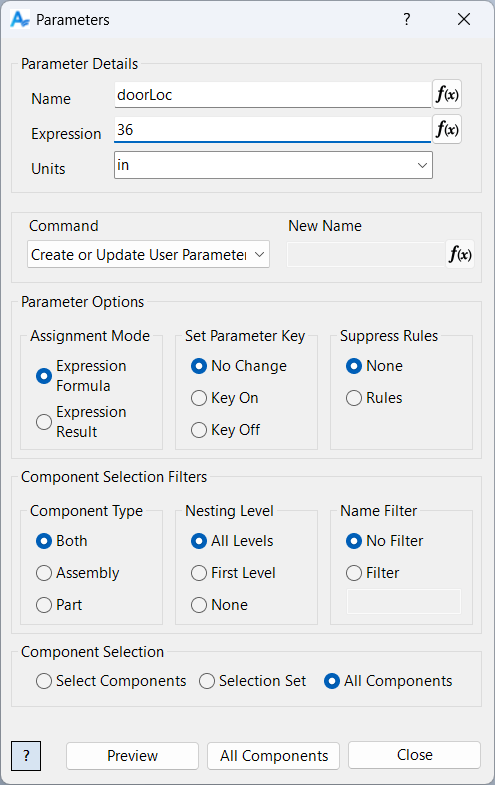
The Parameters command is a powerful and versatile tool for managing all aspects of parameters in Inventor assemblies. Parameters are the foundation of parametric modeling, controlling geometry, material properties, custom attributes, and automation rules. This command allows you to update, create, delete, rename, and log both user and model parameters across all, selected, or individual components. With batch operations, advanced filtering, and expression evaluation, Parameters helps you maintain consistent, accurate, and standardized parameter sets throughout your project.
Samples
Sample files are located in C:\ProgramData\Autodesk\ApplicationPlugins\ArpaFlow.AssemblyTools.Core.Bundle\Samples. See Samples Summary